In the race for Artificial Intelligence, every AI company tries to launch more authentic and useful models for users. Recently, Google has launched Antigravity, which is known as the best AI Model for coding. Claude AI has also introduced its most recent model, Codex, which is especially built for coders.
In this article, we learn about the newly launched Google Antigravity. Will this tool be helpful for programmers or not? How can a beginner user get started with it? You know better – AI is automating every little task in our lives. Today, if we do not learn proper use of AI and implement it in our lives, I think we will lose a big opportunity in life.
What Is Google Antigravity?
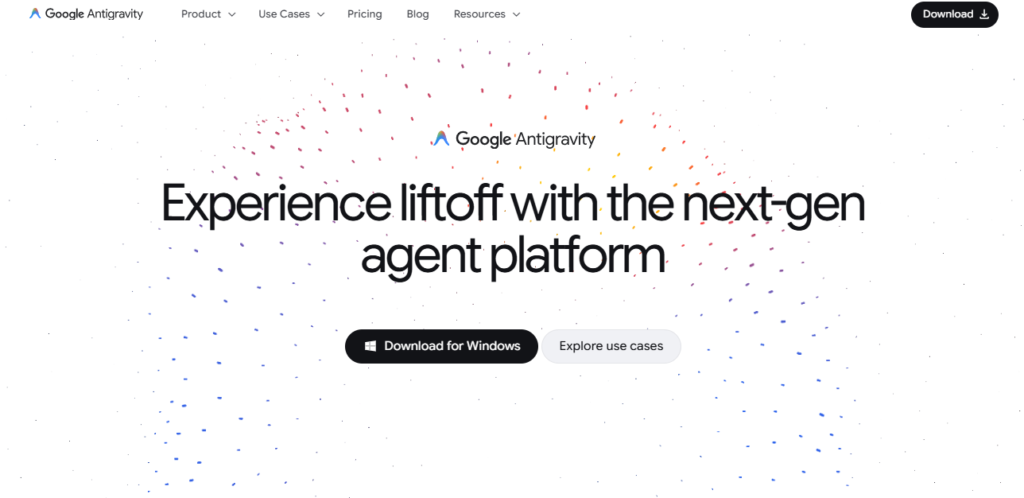
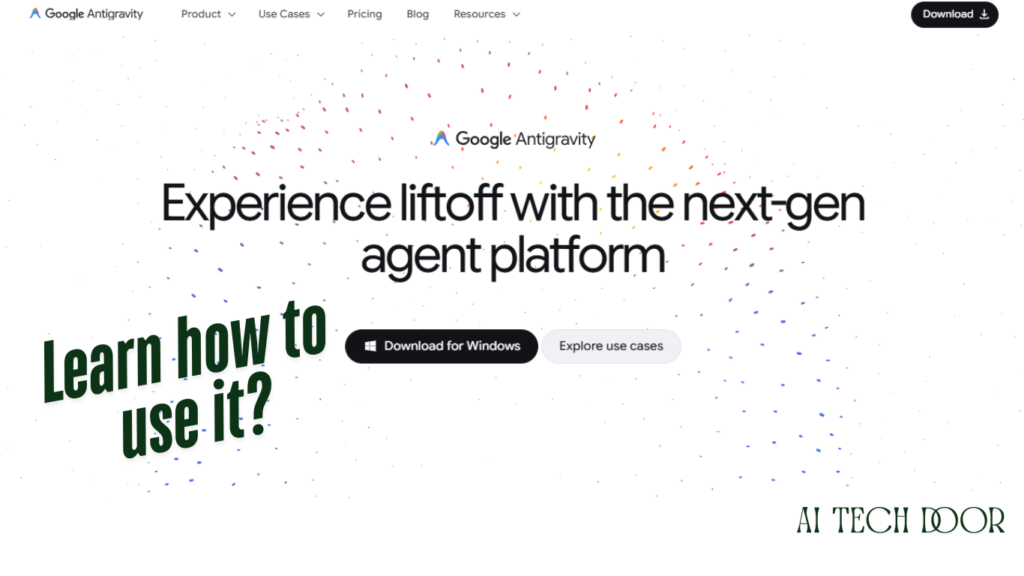
On November 18, 2025, Google released two updates, one about Gemini 3 Pro (their new flagship model) and the 2nd Antigravity. The instant update shocked people, especially programmers who write code and build software. Gemini 3 Pro is the best version and is more powerful compared to the previous version.
You already know Visual Studio Code; it is the code editor that every developer uses. You open it, you type, maybe AI suggests the next line. But Antigravity does it differently. You describe the thing you want built in plain English. Then AI agents take that description, make a plan, divide up the work, and start building.
When I read Google’s blog about Antigravity, they said they want Antigravity to be a home-based software development tool for everyone. This is the era of AI. Everyone has unique ideas, and these ideas need the best platforms to turn into something big. Google Antigravity does not charge; it’s free to use.
Versions 1.0 vs. 2.0
- Version 1.0: Editor view, an agent manager panel, free public preview on Mac/Windows/Linux. It supported Gemini 3 Pro, Claude Sonnet, and GPT-OSS.
- Version 2.0: It is a completely rebuilt standalone desktop app. Create a project and run agents inside it. It works with multiple agents across the workspace. It arranges difficult tasks using the local subagents. It also executes commands and conducts web searches.
Also Read: AI for Self Learning: How to Learn Anything Fast Using AI?
How It Actually Works — Step-by-Step Guide
It’s a complete guide A-Z to know how it works properly.
- Step 1: Write a prompt: Ask something specific and do not write like “build an app”. Write a detailed prompt like: “Build a REST API that takes a user’s email address, validates the format, and writes it to a Firebase database with a timestamp.” If you specifically write it, it performs better.
- Step 2: The manager agent reads it and makes a plan: It breaks your task into subtasks and assigns them. One agent handles API logic. Another handles validation. Another sets up the database connection. They’re not waiting for each other; they perform their own responsibility.
- Step 3: Parallel Execution: This is genuinely Antigravity’s biggest differentiator from every other AI coding tool. It supports multiple agents and multiple tasks at the same time. It is actually faster in practice, not just in theory.
- Step 4: You review the output: You can review the output and see every detail carefully.
- Step 5: Iterate: It may make mistakes, so check the results and deeply analyse the code. If the agent made any mistakes, then you can correct.
Getting Started: The Complete Setup Guide
It’s simple; every beginner can start from zero. I have mentioned the various options below to get started using Google Antigravity.
Option A — Desktop App (For Beginners)
- Open the official website at https://antigravity.google/
- Sign in with your Google account
- Download the app for OS, Mac, Windows, or Linux; all versions are supported
- Install, open, and start a new Project
- Describe your task in plain English
- Watch what happens
The entire process is very easy; no complex configuration is required upfront. The free tier gets you running on basic tasks immediately.
Option B — CLI (If You Live in a Terminal)
According to Google, the CLI is faster and more responsive than the previous Gemini CLI. Install it, then authenticate with your Google account, and then you can run agent tasks directly from your terminal. Clean, fast, no GUI required.
Option C — SDK (For Building On Top of It)
This is the advanced version. The SDK gives you programmatic access to the same agents. You can define custom agent behaviours and host them wherever you want. Like your own cloud infrastructure, your own servers.
Pricing Plans
Explore price plans below; each plan has its specifications and limitations.
| Plan | Price | Who It’s Actually For |
|---|---|---|
| Free | $0 | Learning the platform, tiny projects |
| AI Pro | ~$20/month | Regular professional use |
| AI Ultra | $100/month | Heavy daily workflows |
| AI Ultra Premium | $200/month | Teams, high-volume use |
The $100 Ultra tier which is the best spot for serious individual programmers. It gives 2,500 credits for $25. You can use the free tier, which has the same capability, but a few things are different. But it has a limit option, so if you need higher work, then you can buy the AI Pro plan, which costs $20 per month.
Antigravity vs. the Competition
Can’t skip this part.
Cursor — The incumbent. Polished, genuinely fast, big user base. Single-agent though. One AI, one task, one sequence. That’s the fundamental ceiling.
Claude Code — Anthropic’s terminal-based coding agent. Seriously strong on complex multi-step reasoning. The reasoning quality is arguably better than Antigravity on certain problem types. No visual interface, no browser testing, though.
Antigravity — Five parallel agents, built-in browser testing, multi-model support, and MCP integration. It genuinely feels like a small team rather than a single assistant.
Important Starting Points for Beginners
You do not need to start an OS project. Genuinely useful starting points:
- A portfolio website: Describe your design, background, and what sections you want to design.
- A simple script to automate a repetitive task: Do you clean a spreadsheet weekly? Or do you edit files manually? Describe your work, then Antigravity writes the script, tests it, and handles edge cases.
- A basic API: If you don’t have a coding background, it doesn’t matter. You can describe inputs and outputs in plain terms. The agents handle the implementation automatically.
- A mobile app prototype: The Firebase and Android integration means you can go from idea to testable prototype without deep platform knowledge.
This Isn’t Just a Developer Tool Anymore
Product managers with technical ideas but no dev team. Designers who want to prototype functional UIs. Founders who need MVPs without hiring. If you can describe what you want with reasonable clarity, you can use this platform — and get something real back.
Google’s even embedding Antigravity’s capabilities into Search itself now, generating custom interfaces in real time as part of search answers. Mini-apps, essentially, are built on the fly. That’s where consumer AI interfaces are heading, and Antigravity is the infrastructure underneath it.
Tips That Actually Help
- Be Specific: “Build an app” produces garbage. “Build a web app where users authenticate with Google, upload a JPEG under 5MB, and see a grid of their uploads on their profile page” produces something useful.
- Upload your existing code: The Knowledge Base feature lets you give Antigravity context about your project’s structure and conventions. More context equals dramatically better output.
- Watch the Manager Surface. The agent manager view shows you what each agent is doing in real time. Don’t ignore it. It’s where you note things going sideways before they go far sideways.
- Try voice commands: Genuinely faster for quick correction requests when you’re reviewing output. Talk to it rather than type.
The Honest Limitations
The free tier runs out of headroom fast. Not a flaw exactly, just reality. Cost unpredictability is a real issue for large projects. The credit system needs more transparency than Google has provided so far. This is a legitimate criticism, not nitpicking. And this matters because Antigravity is a coding platform. It’s optimised for software development workflows specifically.
My Take, Straight Up
Two years of watching agentic coding tools promise the world and deliver frustration. Antigravity 2.0 feels different. Not because of the demo scale, but because the demo had a real failure and recovered from it publicly. That’s a different kind of credibility than perfect.
Is it perfect? No! Pricing transparency needs work. The learning curve for understanding agent orchestration is real for non-developers. Some early reliability issues from version 1.0 have not fully disappeared. But the fundamental architecture is right. The direction is right. And if you’re building software — or want to start — waiting six months to try this is probably leaving real productivity on the table.
FAQ
Do I need coding experience?
Not to get started. You need to describe what you want clearly and be able to review the output with some judgment. Technical experience helps you verify results, but you don’t need to write a single line of code yourself.
Is the free tier actually useful?
The free tier is absolutely useful for small experiments, but you will need a premium version for real-time projects.
How is Antigravity different from ChatGPT in writing code?
ChatGPT gives you code in a chat window. You can copy it, paste it, test it yourself, and debug it yourself. Antigravity runs the code, tests it, finds errors, and fixes them.
Can it work with code I’ve already written?
Yes. Connect your repositories and use the Knowledge Base to give it context about your existing project. It will know about your patterns and work style.
Is my code private?
The Managed Agents feature runs in isolated Linux sandboxes. The enterprise tier through Google Cloud gives you additional control over data residency and execution environment.
Cursor or Antigravity for a beginner?
Cursor has a professional onboarding experience. Antigravity has more raw capability through parallel agents. Honestly — try both for a week each. They’re different enough that your personal workflow will tell you more than any comparison article can.